SWITCH
| Genre: | Action |
| Type: | Base Game |
| Game Size: | 15.3 GB |
| Format: | NSP |
| Version: | 1.4.1 |
| Serial ID: | 0100F2C0115B6000 |
| Languages: | English, Japanese, French, German |
| Required Firmware: | 16.0.3+ |
| Release Date: | November 8, 2022 |
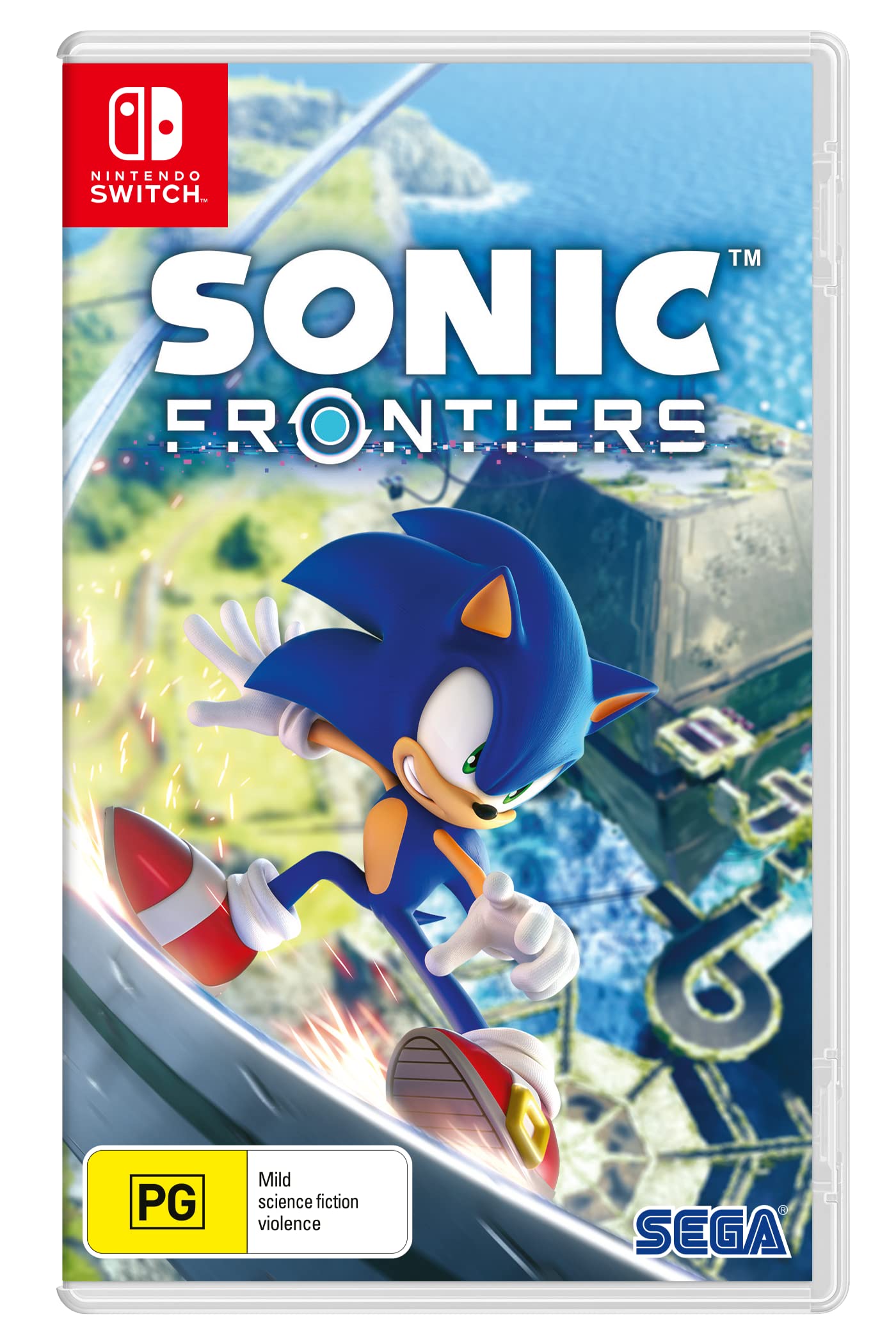
Sonic Frontiers Switch NSP is a new open-world adventure game developed by SEGA. Unlike previous installments in the Sonic series, which focused heavily on fast-paced, sequential levels, this game allows players to explore a vast, free world where they can run, jump, and discover secrets on their own.
The game combines Sonic’s traditional speed with an engaging story, modern gameplay, and stunning graphics. In the game, Sonic must explore vast worlds, solve puzzles, and face enemies, all within an exciting journey that puts his skills to the test.
The Nintendo Switch version of Sonic Frontiers is one of the most sought-after releases for players, as it allows them to play on the go, whether at home or while traveling. The game comes in NSP format, a type of digital game file used to install games on the Nintendo Switch.
An NSP file is simply a package containing the game files, and it can be installed on the Switch using special software if a custom build (Homebrew or unofficial firmware) is installed. However, it’s important to know that downloading or using NSP files from unofficial sources may be illegal and could compromise your system or result in penalties from Nintendo.
Sonic Frontiers represents a significant leap forward for the Sonic universe, as it features an open-world design instead of the traditional closed levels. This gives players complete freedom to explore the world, interact with the environment, and discover the game’s secrets in their own way.
In addition, new gameplay systems have been introduced, such as skill development, combat, and puzzle-solving. Sonic can now acquire new abilities, upgrade his skills, and interact more deeply with the world around him. The story revolves around Sonic’s attempt to save his friends and the world from a mysterious threat, and it’s told through stunning cinematic cutscenes and in-game events.
Sonic Frontiers features high-quality graphics, with vibrant and colorful worlds, from lush green forests to futuristic cities and mysterious locations. The game’s design balances a classic feel with a modern touch, making it appealing to both series fans and newcomers.
The music is lively and energetic, perfectly matching Sonic’s speed and the game’s action, with sound effects that enhance the feeling of movement, jumping, and combat.
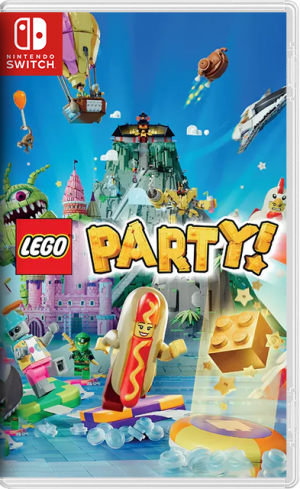
Also Read !!! LEGO Party! NSP
Playing on the Nintendo Switch gives users the advantage of playing anywhere. Whether you’re at home or on the go, you can enjoy Sonic’s adventure quickly and easily. The Switch version is well-optimized for smooth performance, although the graphics may be less detailed compared to the PlayStation or PC versions.
To purchase the game, you can get it digitally from the Nintendo eShop or buy it in physical stores. NSP files are often used by players who prefer unofficial downloads, but they should be aware of the legal and technical risks involved.
Players are always looking for something new and exciting with Sonic, and Sonic Frontiers is a bold step towards delivering a deeper and more varied experience. The open world, side quests, and environmental interaction add a lot of fun and excitement.
The game’s support on the Nintendo Switch makes it accessible to everyone, especially those who prefer to play on the go or on a handheld device. The game gives everyone the chance to enjoy Sonic’s fast-paced adventure, whether they are longtime fans of the series or new to it. Conclusion
If you’re a fan of fast-paced games or if you’re looking for something new and exciting, Sonic Frontiers on Nintendo Switch is the perfect choice. Get ready for an adventure filled with action, speed, and challenges in the new Sonic universe!


1. Copy the NSP or XCI file to your Switch SD Card.
2. Open your preferred installer (DBI, Awoo Installer, or Tinfoil) on custom firmware (Atmosphère).
3. Select "Install from SD Card" or USB/Network option and confirm installation.
4. Ensure your custom firmware is updated to required firmware (16.0.3+) or higher.
If you experience a black screen on boot:
1. Update your Sigpatches to the latest version compatible with your Atmosphère release.
2. Verify that your system firmware meets the required minimum (16.0.3+).
3. Re-download the game NSP file to rule out file corruption during transfer.
User Comments & Reviews